

Update: What to do when you cannot see the widget.
Some users reported, that there is no widget even though the iOS and Windy.com app is up to date. This is because of the bug in iOS 16. The Windy widget will probably appear without any action needed in a matter of days, but if you want to force it to work, we recommend to reinstall the app. It helps in all reported cases.
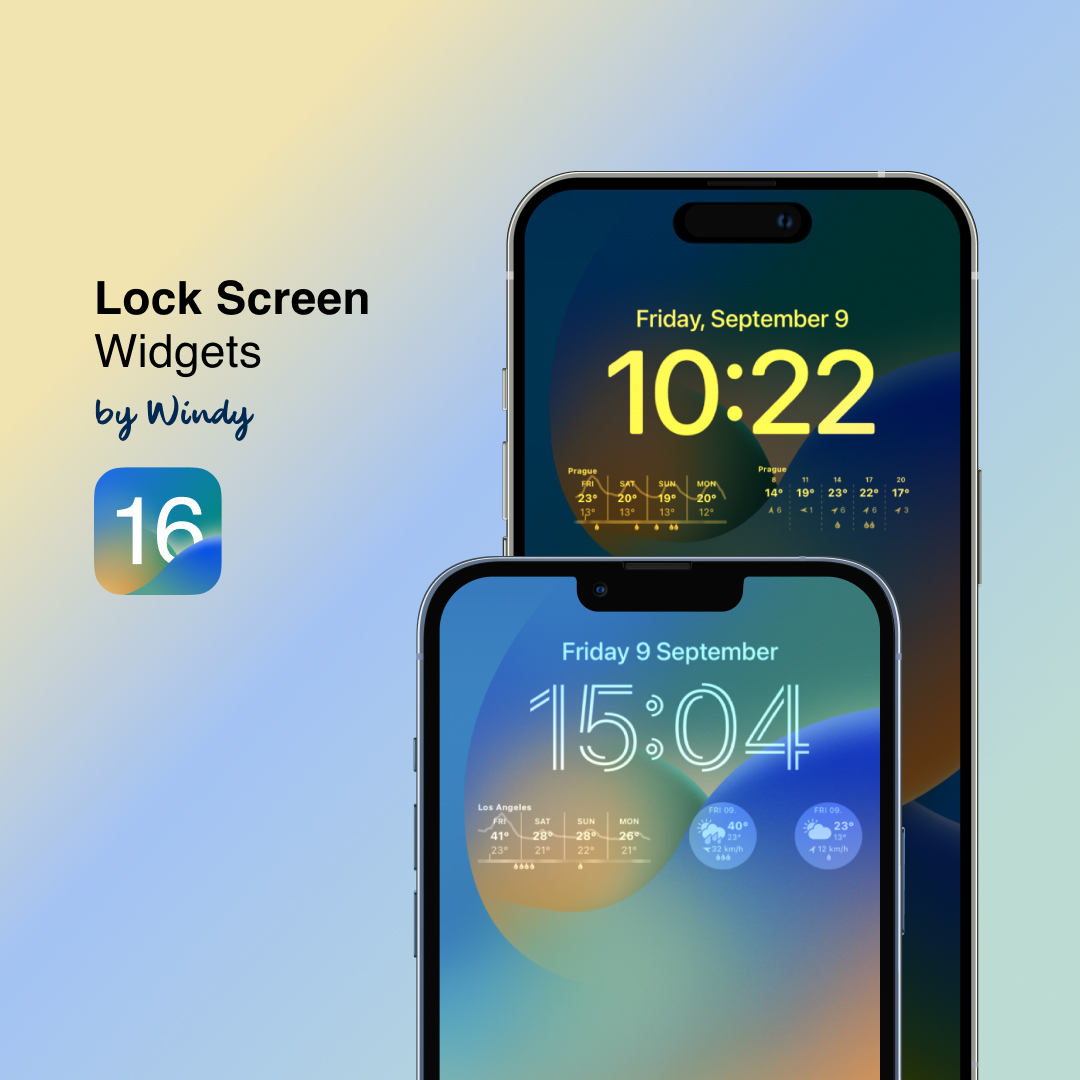
With the release of iOS16, the Windy.com iOS app gets its widgets for the Lock Screen as one of the new exciting features presented on the last Apple Keynote.
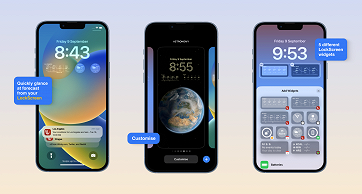
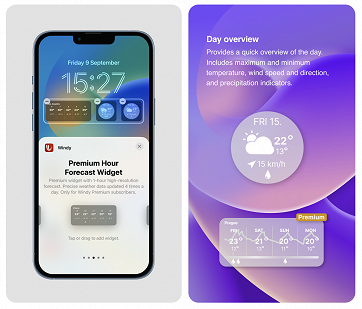
There are 5 types of Windy lock screen widgets, ranging from a simple Day Overview, which gives you the maximum/minimum values for the day, to more detailed ones showing the weather forecast for each day or each hour, just like widgets for the home screen.
Lock Screen widgets are also available in Standard and Premium versions with a 1-hour forecast for Premium and 3-hour forecast for non-Premium users.
Adding the Lock Screen Widgets
To add Windy widgets to your lock screen:
- Long press the screen and tap on Customise button
- Tap on the Plus Sign right below the time to bring up the Widget Gallery
- Scroll down, select Windy and pick your desired widgets to arrange them on the screen.
How to edit widgets
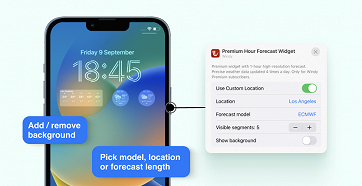
Lock Screen widgets are also editable. Tap on the widget when in "customize" mode to bring up the widget settings.
You can select the current/custom location, forecast model, number of days you want the widget for (up to 5 days), and the background.
You can set the background for each widget, allowing you to improve readability and match the widget with a wallpaper.
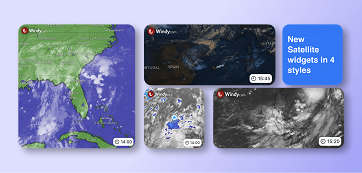
New Satellite Premium Widgets
This update also includes a new set of Satellite widgets designed for your Home Screen. Widgets come in four styles: ' Visible, Infra, Infra PlusandBlue`.
Each Satellite widget is also fully customizable. You can choose a style, location, and zoom level. Wish to see the map without country/city names? You can turn them off too.
Comments (16)