
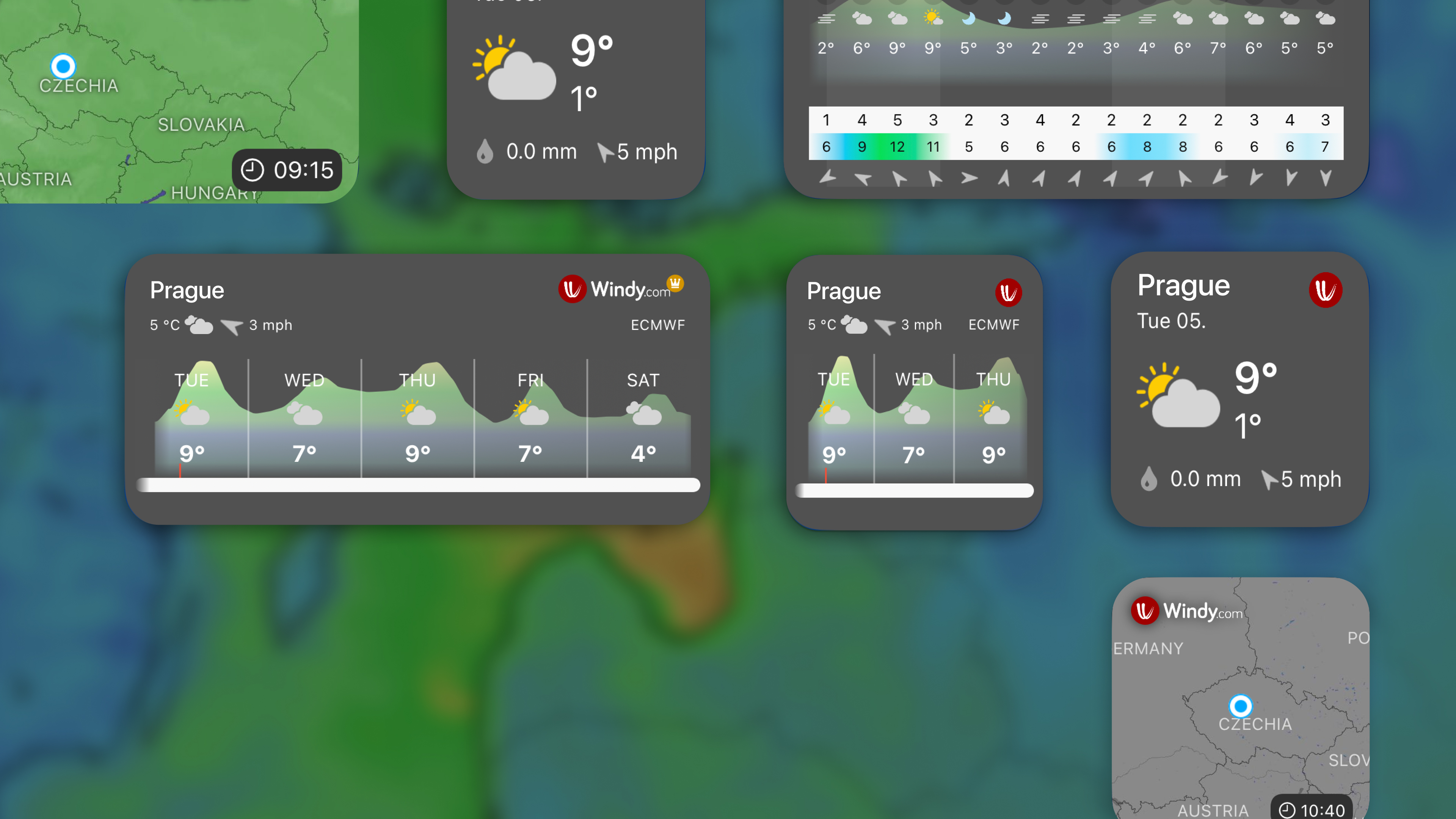

Here's an overview of the widgets you'll find super helpful when trying to access the weather quickly from any gadget - iPhone, Apple Watch, Macbook, or iPad!
Home Screen widgets
We offer simple and intuitive widgets for your home screen. To choose your preferred widgets, simply long-tap your screen and search for "Windy," where you can choose from quite a variety.
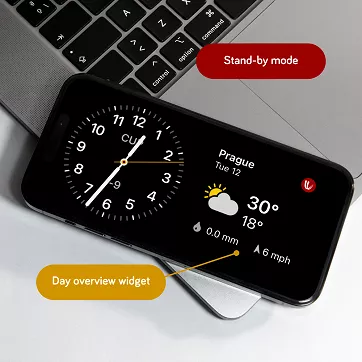
iPhone StandBy Widgets
Do you check the weather before bed? Or do you like to keep track of your desk during the day? Weather and clock are the perfect combination you want to have in the new StandBy mode that Apple has introduced. If you're an ultra Windy fan, you can get two Windy widgets at once.
Widgets for Apple Watch
You'll be able to see the weather at a glance by adding Windy widgets to your Apple Watch.

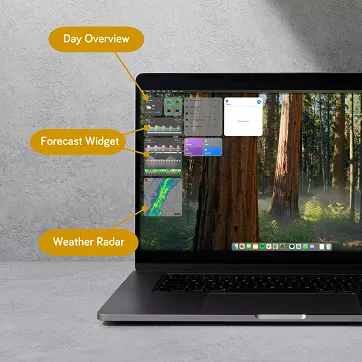
Windy Widgets on MacBook
MacBook screen widgets provide quick access to essential information without disrupting your workflow.
Lock Screen Widgets
Lock-screen widgets have become extremely popular. They are useful yet visually non-distracting. Now, you can have them on the iPad, iPhone and Apple Watch.

Pro tip: You can customize each widget to your liking. Long-tap into the settings where you can change the location, model, day range, zoom level, or visual style. Tweak the widgets to suit you.
Go Premium for more details and satellite imagery
We always go the extra mile for Premium users who support us. Windy Premium users will get 7 extra widgets for their iOS device menu. Go Windy Premium and enjoy all the benefits.
Comments (1)