
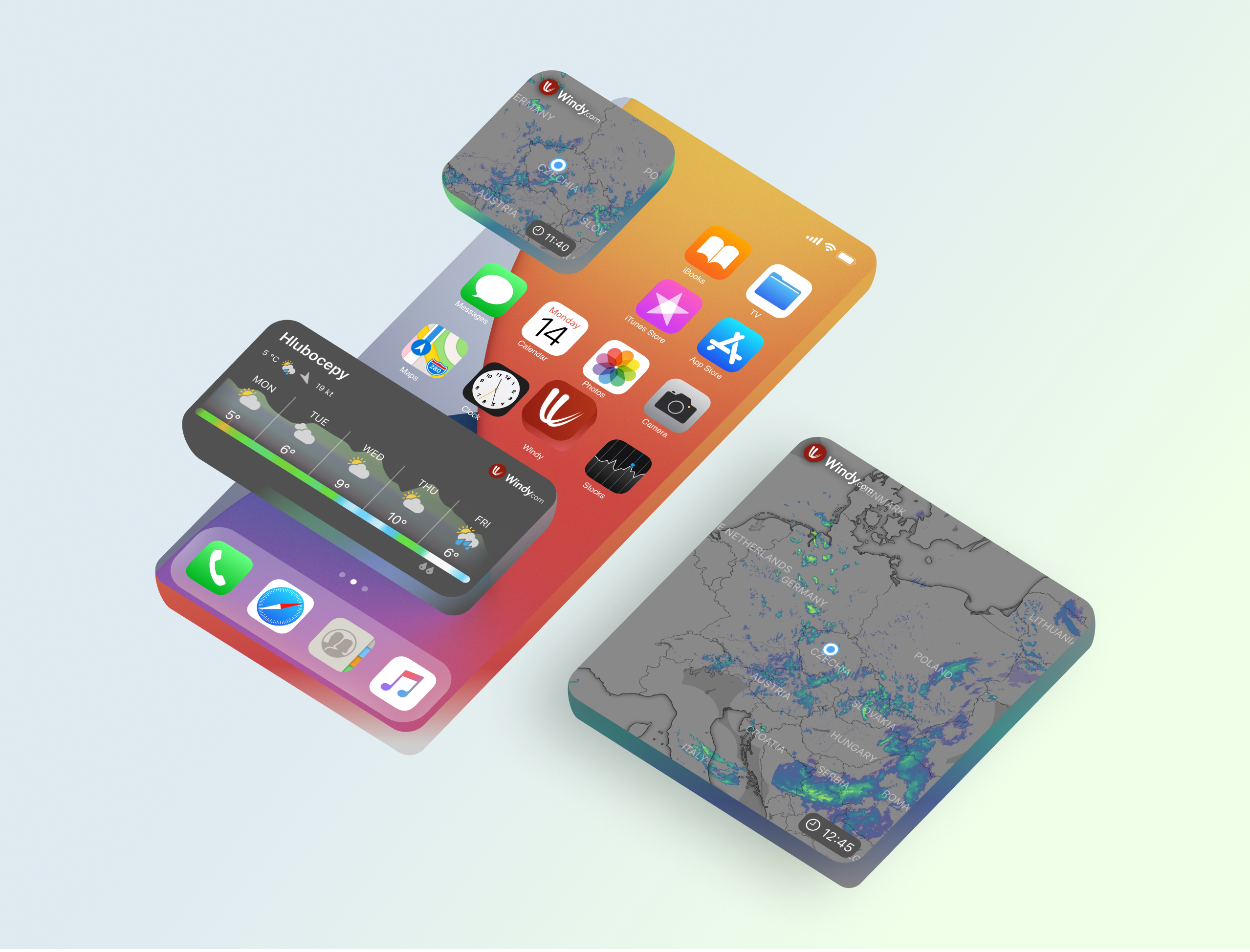

Seeing how the new iOS widgets are becoming more and more popular, we decided to make iOS Windy widgets even more powerful.
With the recent update, we have released new adjustable radar widgets.

Weather radar is very important feature for the most of us, therefore having a quick access to current weather situation is essential. Put the new radar widget on your home screen and get radar information at a glance without opening the app.
Radar widget comes with its own settings, where you can customise a location you want to display the data for and more. Let's take a look!
To open the settings, tap on the widget and choose "Edit Widget".

Use custom location
Within the widget you can determine whether you would like to display radar for the same location as you use in the app or a different one. You can easily search for a place with the Choose location option and tap "Done" to save it.
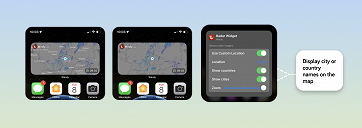
Show countries
Don't want to see country labels on the map? Turn this option off and enjoy less cluttered map.
Show cities
The same goes for displaying cities. Turn them on/off.
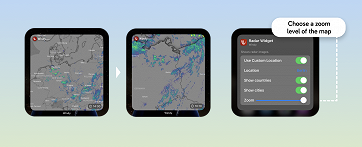
Zoom
With the zoom option you can zoom the map to the desired level. Do you want widget to show larger area or a certain country? It is up to you.
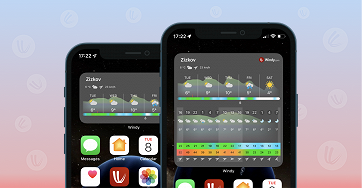
Last but not least, there is daily forecast widget showing weather for every 3 hours and short overview for 5 days ahead.
And separate widget with short overview for 5 days.

 Jari Sochorová
 Nicole Dolezalova









Comments (16)